
PDF Text Editor
OCR-based PDF text editor that supports editing text in scanned PDF documents
Drag and drop a PDF here or
PDF, JPG, PNG, JPEG, WEBP
No Image? try one of these:

'%3e%3ccircle%20cx='179'%20cy='585'%20r='385'%20fill='url(%23paint0_linear_1860_91497)'%20/%3e%3c/g%3e%3cdefs%3e%3cfilter%20id='filter0_f_1860_91497'%20x='-406'%20y='0'%20width='1170'%20height='1170'%20filterUnits='userSpaceOnUse'%20color-interpolation-filters='sRGB'%3e%3cfeFlood%20flood-opacity='0'%20result='BackgroundImageFix'%20/%3e%3cfeBlend%20mode='normal'%20in='SourceGraphic'%20in2='BackgroundImageFix'%20result='shape'%20/%3e%3cfeGaussianBlur%20stdDeviation='100'%20result='effect1_foregroundBlur_1860_91497'%20/%3e%3c/filter%3e%3clinearGradient%20id='paint0_linear_1860_91497'%20x1='179'%20y1='200'%20x2='179'%20y2='970'%20gradientUnits='userSpaceOnUse'%3e%3cstop%20stop-color='white'%20stop-opacity='0'%20/%3e%3cstop%20offset='1'%20stop-color='%23FF6583'%20stop-opacity='0.45'%20/%3e%3c/linearGradient%3e%3c/defs%3e%3c/svg%3e)
'%3e%3ccircle%20cx='357.5'%20cy='68.5'%20r='157.5'%20fill='url(%23paint0_linear_1860_91498)'%20/%3e%3c/g%3e%3cdefs%3e%3cfilter%20id='filter0_f_1860_91498'%20x='0'%20y='-289'%20width='715'%20height='715'%20filterUnits='userSpaceOnUse'%20color-interpolation-filters='sRGB'%3e%3cfeFlood%20flood-opacity='0'%20result='BackgroundImageFix'%20/%3e%3cfeBlend%20mode='normal'%20in='SourceGraphic'%20in2='BackgroundImageFix'%20result='shape'%20/%3e%3cfeGaussianBlur%20stdDeviation='100'%20result='effect1_foregroundBlur_1860_91498'%20/%3e%3c/filter%3e%3clinearGradient%20id='paint0_linear_1860_91498'%20x1='357.5'%20y1='-89'%20x2='357.5'%20y2='226'%20gradientUnits='userSpaceOnUse'%3e%3cstop%20stop-color='%239757d744'%20stop-opacity='0'%20/%3e%3cstop%20offset='1'%20stop-color='%23FF6583'%20stop-opacity='0.45'%20/%3e%3c/linearGradient%3e%3c/defs%3e%3c/svg%3e)
How to Edit PDF Text?
1. Upload PDF File
Select the PDF file you need to edit, supports multiple formats
2. Edit Text Content
Click on the text area in the PDF that needs to be modified and enter new text content
3. Save and Download Edited PDF
Save and download the modified PDF file after editing

AI Text Editing
Supports conversational image editing. Based on next-gen AI 'Semantic Understanding + Smart Background Repair + Style Transfer' all-in-one solution. Automatically executes the full process without manual selection, manual erasing, typing, or adjusting font/color/position.
AI Font Matching
Supports AI recognition of fonts in images, providing a vast library of fonts for use.
Background Seamless Restoration
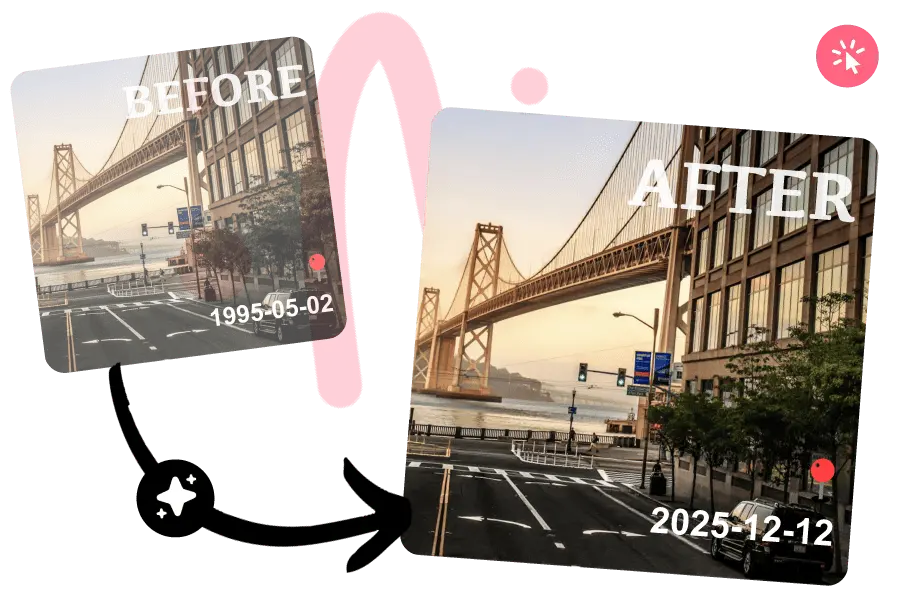
Automatically restores background during text modification. No ghosts, white edges, or color blocks. Perfectly restores complex textures like wood, fabric, and lighting.
Perfect Style Matching
AI analyzes the original image to match font, color, weight, perspective, shadow, and gloss, making edits invisible.
High-Precision OCR
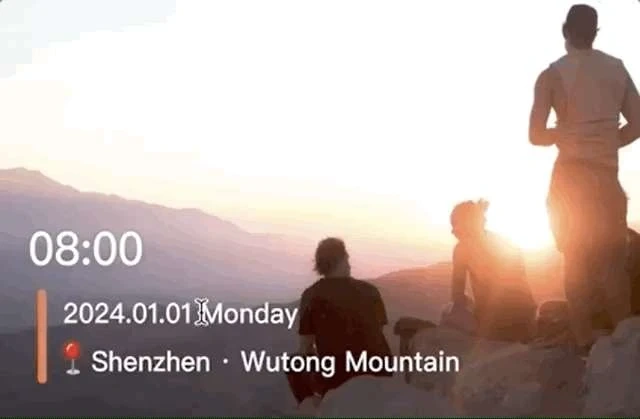
Supports recognition of text in all languages within images. Accurately recognizes slanted, curved, small text, complex backgrounds, and mixed layouts, restoring geometric features.
Powerful Image Editing
In addition to text editing, offers features like filters, stickers, and word art. Supports processing and exporting high-resolution images, preserving original quality.
Minimalist Experience
Smooth operation on both Web and App. Intuitive interface, no learning required. Eliminates the tedious steps of 'smudge -> recognize -> select font -> align', offering a 'what you input is what you get' experience.
High Cost-Performance
Basic features are free. Generous free trial quota for advanced features. Transparent and reasonable pricing with no hidden costs.
Privacy & Security
We do not collect user photos, device information, or geolocation for targeted advertising or data resale. Edited images are automatically cleared after 3 days (30 days for logged-in users).
Free for Commercial Use
All fonts distributed by the platform and any content produced are free for commercial use, with no copyright concerns.