
Edit WhatsApp/PayPal Screenshot Text
Edit screenshot text. Redact or replace sensitive info and export a clean image.
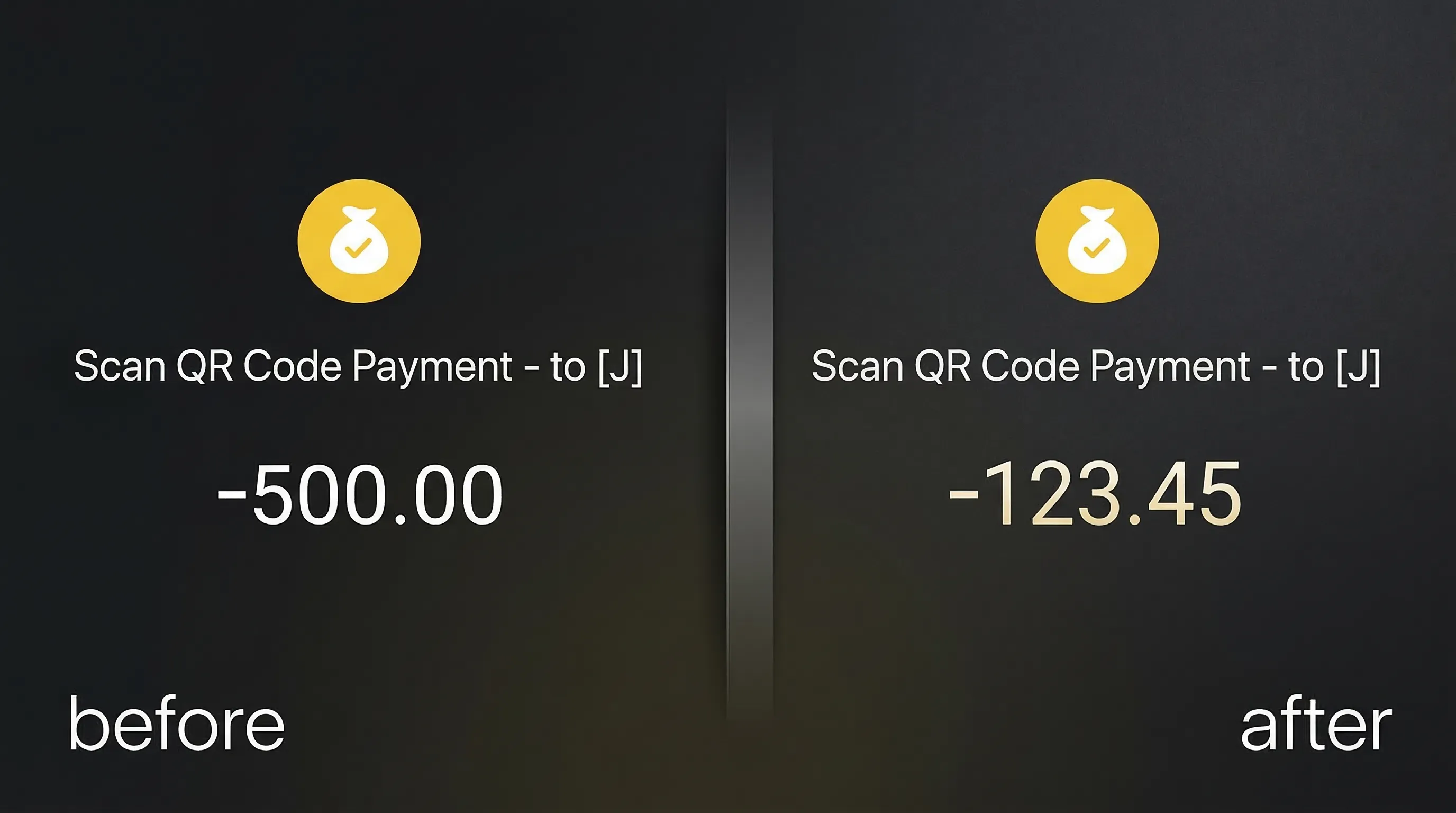
Drag & drop a screenshot here to edit text
JPG, PNG, JPEG, WEBP, BMP, PDF


How to edit text on WhatsApp/PayPal screenshots?
1. Upload a screenshot
Upload a WhatsApp/PayPal screenshot or any screenshot to edit.
2. Click text to edit
Click the text area to replace content or cover sensitive info, then check alignment and readability.
3. Download
Export a high-quality image.
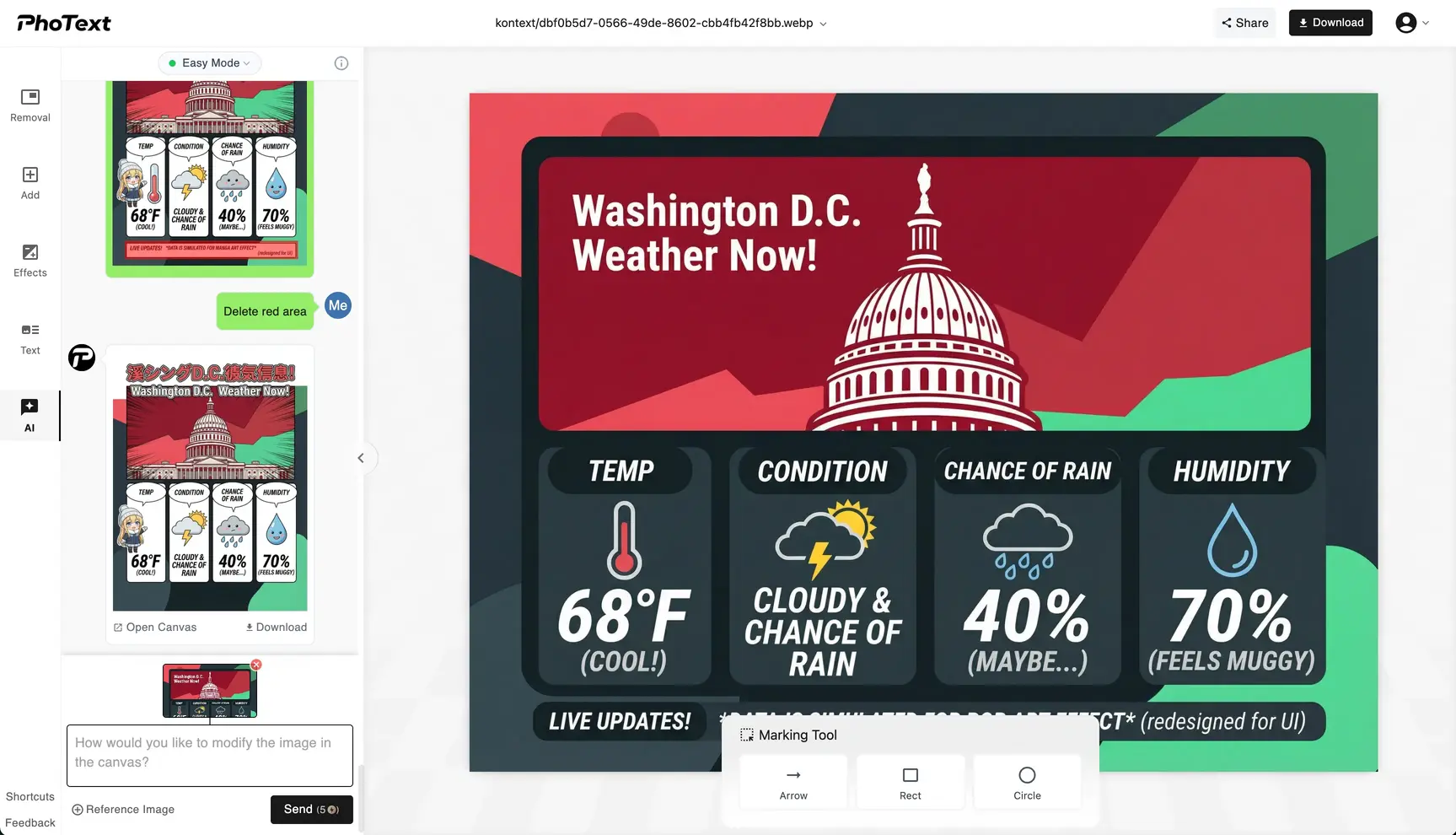
Safer
Edit nicknames, notes, and explanations.
Fast redaction and edits
Edit a screenshot in seconds and export a clean image.
Natural-looking result
Adjust style and layout so the edited screenshot looks natural.
Works on Web and Mobile
You can access our site via your mobile phone anywhere & anytime.