
Edit Call/SMS Screenshot Text
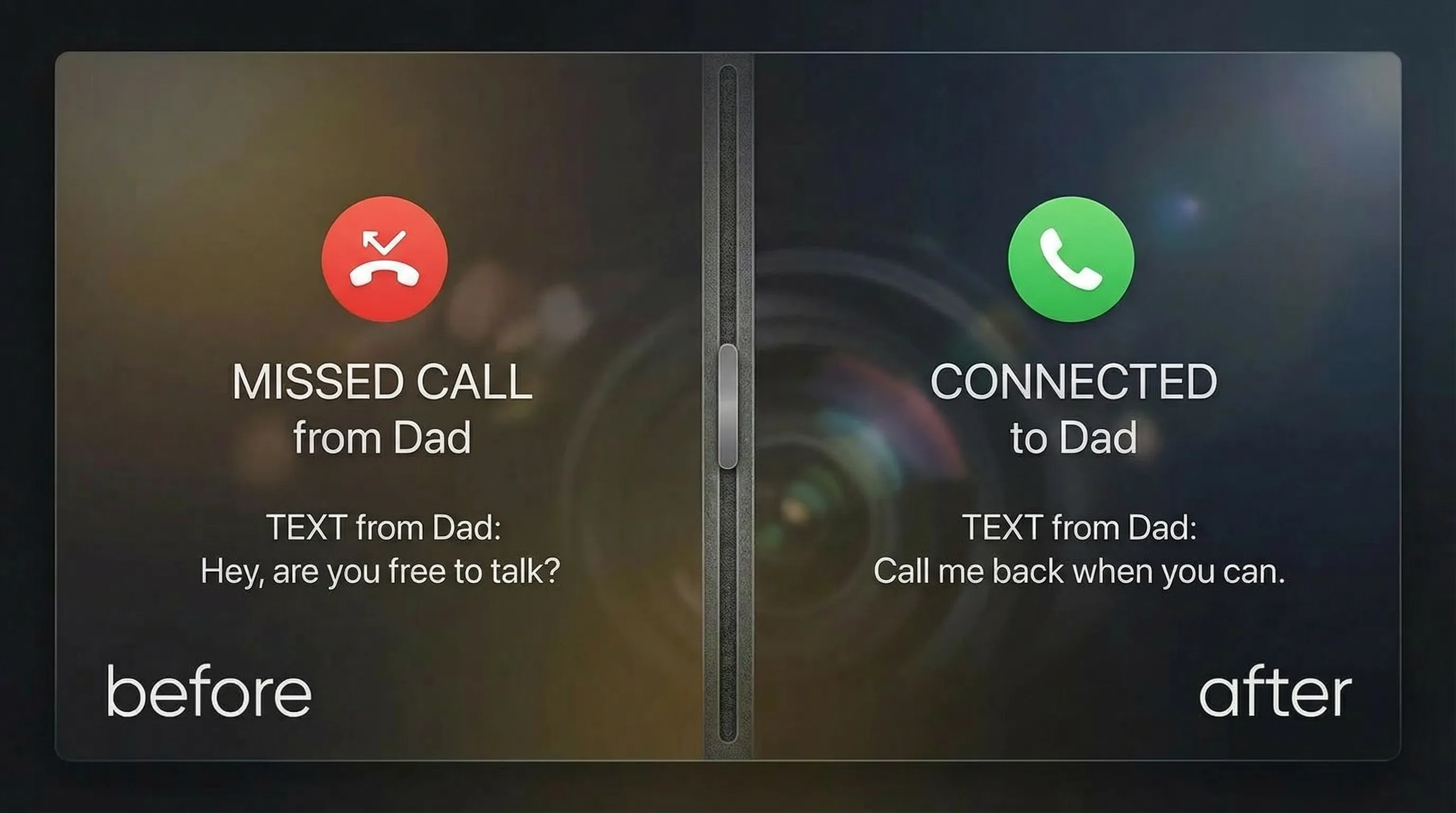
Upload a call log or SMS screenshot and edit text with a natural look.
Drag & drop a call/SMS screenshot here to start editing
JPG, PNG, JPEG, WEBP, BMP, PDF
No Image? try one of these:

'%3e%3ccircle%20cx='179'%20cy='585'%20r='385'%20fill='url(%23paint0_linear_1860_91497)'%20/%3e%3c/g%3e%3cdefs%3e%3cfilter%20id='filter0_f_1860_91497'%20x='-406'%20y='0'%20width='1170'%20height='1170'%20filterUnits='userSpaceOnUse'%20color-interpolation-filters='sRGB'%3e%3cfeFlood%20flood-opacity='0'%20result='BackgroundImageFix'%20/%3e%3cfeBlend%20mode='normal'%20in='SourceGraphic'%20in2='BackgroundImageFix'%20result='shape'%20/%3e%3cfeGaussianBlur%20stdDeviation='100'%20result='effect1_foregroundBlur_1860_91497'%20/%3e%3c/filter%3e%3clinearGradient%20id='paint0_linear_1860_91497'%20x1='179'%20y1='200'%20x2='179'%20y2='970'%20gradientUnits='userSpaceOnUse'%3e%3cstop%20stop-color='white'%20stop-opacity='0'%20/%3e%3cstop%20offset='1'%20stop-color='%23FF6583'%20stop-opacity='0.45'%20/%3e%3c/linearGradient%3e%3c/defs%3e%3c/svg%3e)
'%3e%3ccircle%20cx='357.5'%20cy='68.5'%20r='157.5'%20fill='url(%23paint0_linear_1860_91498)'%20/%3e%3c/g%3e%3cdefs%3e%3cfilter%20id='filter0_f_1860_91498'%20x='0'%20y='-289'%20width='715'%20height='715'%20filterUnits='userSpaceOnUse'%20color-interpolation-filters='sRGB'%3e%3cfeFlood%20flood-opacity='0'%20result='BackgroundImageFix'%20/%3e%3cfeBlend%20mode='normal'%20in='SourceGraphic'%20in2='BackgroundImageFix'%20result='shape'%20/%3e%3cfeGaussianBlur%20stdDeviation='100'%20result='effect1_foregroundBlur_1860_91498'%20/%3e%3c/filter%3e%3clinearGradient%20id='paint0_linear_1860_91498'%20x1='357.5'%20y1='-89'%20x2='357.5'%20y2='226'%20gradientUnits='userSpaceOnUse'%3e%3cstop%20stop-color='%239757d744'%20stop-opacity='0'%20/%3e%3cstop%20offset='1'%20stop-color='%23FF6583'%20stop-opacity='0.45'%20/%3e%3c/linearGradient%3e%3c/defs%3e%3c/svg%3e)
How to edit call/SMS screenshot text?
1. Upload
Upload the call log or SMS screenshot.
2. Edit the text
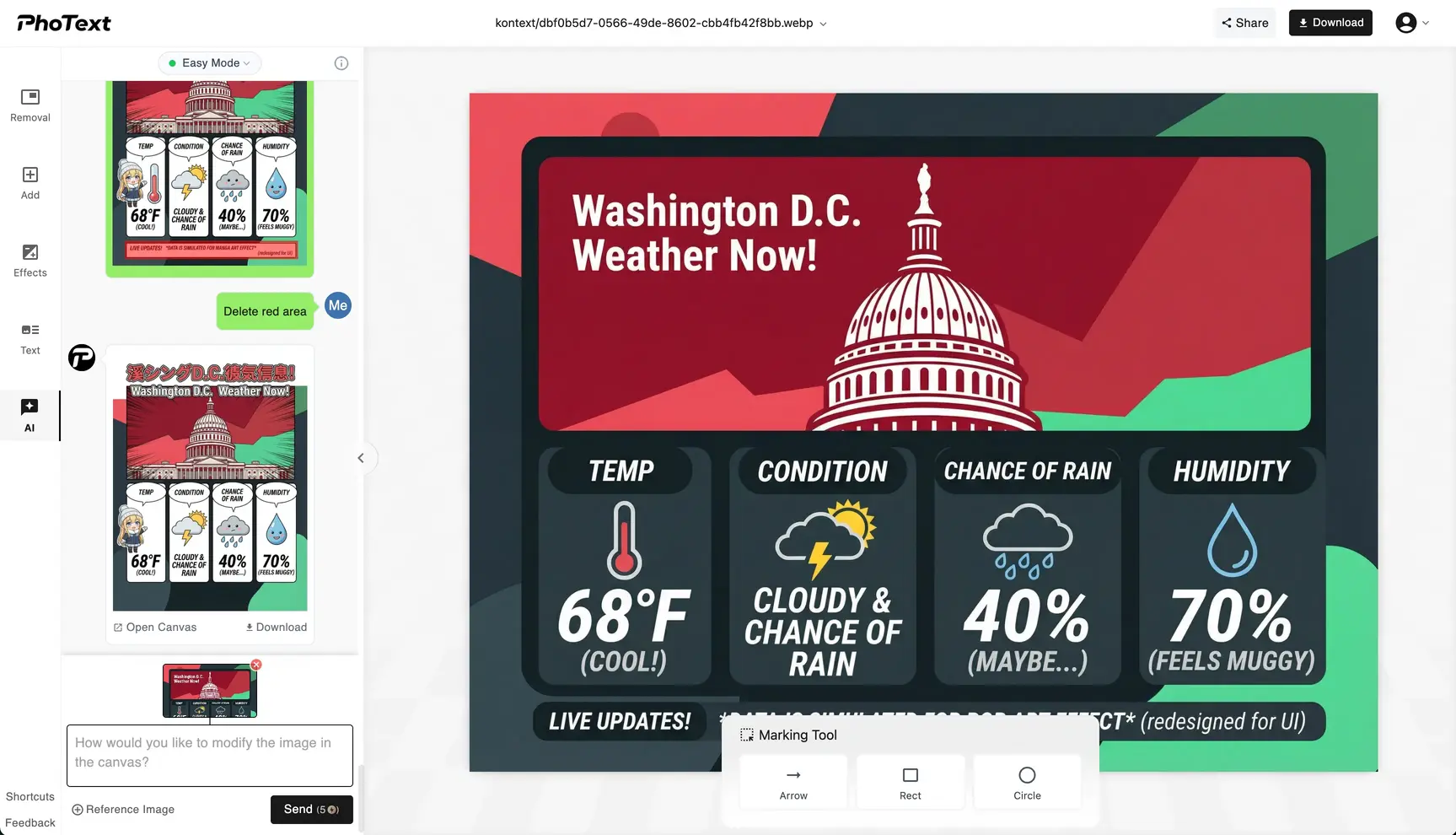
Click the text area, replace content, and adjust style and position if needed.
3. Download
Export a high-quality image after checking.
Mask sensitive info
Replace phone numbers, names, and notes to protect privacy.
Match the original layout
Fine-tune size, color, position, and background details to keep it natural.
Privacy First
Our servers retain images for 30 days for logged-in users and 1 day for non-logged-in users; overdue items are permanently deleted.
Works on Web and Mobile
You can access our site via your mobile phone anywhere & anytime.