
Edit Product Image Text
Edit text on e-commerce main images: update prices and promo copy while keeping the original design style.

Drag & drop a product image here to edit text
JPG, PNG, JPEG, WEBP, BMP, PDF
No Image? try one of these:


'%3e%3ccircle%20cx='179'%20cy='585'%20r='385'%20fill='url(%23paint0_linear_1860_91497)'%20/%3e%3c/g%3e%3cdefs%3e%3cfilter%20id='filter0_f_1860_91497'%20x='-406'%20y='0'%20width='1170'%20height='1170'%20filterUnits='userSpaceOnUse'%20color-interpolation-filters='sRGB'%3e%3cfeFlood%20flood-opacity='0'%20result='BackgroundImageFix'%20/%3e%3cfeBlend%20mode='normal'%20in='SourceGraphic'%20in2='BackgroundImageFix'%20result='shape'%20/%3e%3cfeGaussianBlur%20stdDeviation='100'%20result='effect1_foregroundBlur_1860_91497'%20/%3e%3c/filter%3e%3clinearGradient%20id='paint0_linear_1860_91497'%20x1='179'%20y1='200'%20x2='179'%20y2='970'%20gradientUnits='userSpaceOnUse'%3e%3cstop%20stop-color='white'%20stop-opacity='0'%20/%3e%3cstop%20offset='1'%20stop-color='%23FF6583'%20stop-opacity='0.45'%20/%3e%3c/linearGradient%3e%3c/defs%3e%3c/svg%3e)
'%3e%3ccircle%20cx='357.5'%20cy='68.5'%20r='157.5'%20fill='url(%23paint0_linear_1860_91498)'%20/%3e%3c/g%3e%3cdefs%3e%3cfilter%20id='filter0_f_1860_91498'%20x='0'%20y='-289'%20width='715'%20height='715'%20filterUnits='userSpaceOnUse'%20color-interpolation-filters='sRGB'%3e%3cfeFlood%20flood-opacity='0'%20result='BackgroundImageFix'%20/%3e%3cfeBlend%20mode='normal'%20in='SourceGraphic'%20in2='BackgroundImageFix'%20result='shape'%20/%3e%3cfeGaussianBlur%20stdDeviation='100'%20result='effect1_foregroundBlur_1860_91498'%20/%3e%3c/filter%3e%3clinearGradient%20id='paint0_linear_1860_91498'%20x1='357.5'%20y1='-89'%20x2='357.5'%20y2='226'%20gradientUnits='userSpaceOnUse'%3e%3cstop%20stop-color='%239757d744'%20stop-opacity='0'%20/%3e%3cstop%20offset='1'%20stop-color='%23FF6583'%20stop-opacity='0.45'%20/%3e%3c/linearGradient%3e%3c/defs%3e%3c/svg%3e)
How to edit text on product images?
1. Upload a main image
Upload the product image you want to update (price, badges, copy).
2. Replace copy and align
Click the text area, replace the content, and fine-tune size, color, shadow, and alignment.
3. Export
Download a high-resolution image for listing, ads, and sharing.
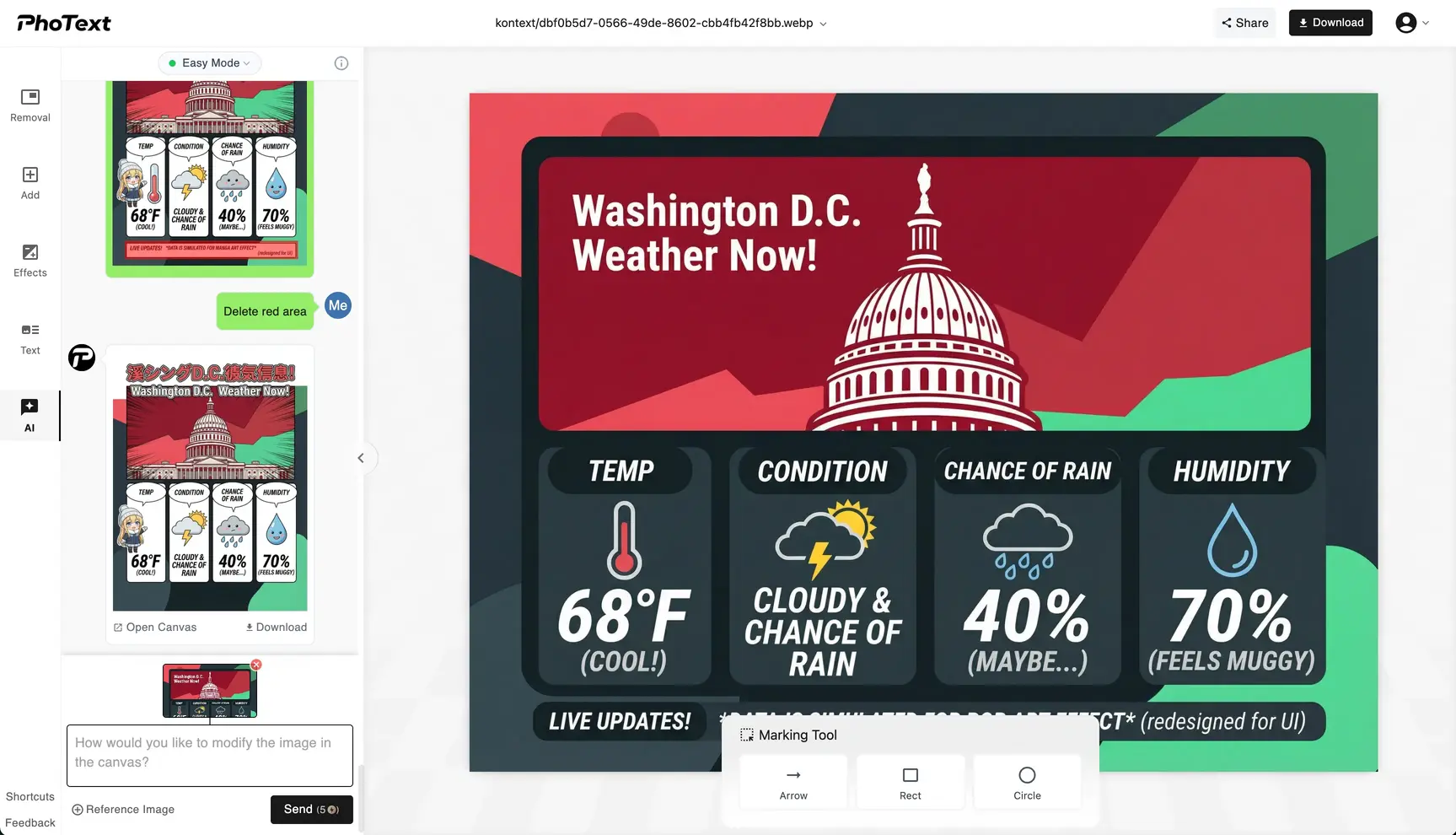
Update promo copy fast
Change prices, selling points, coupons, and campaign labels anytime.
Keeps visual consistency
Fine-tune font, color, outline, shadow, and alignment to match the original style.
Privacy First
Our servers retain images for 30 days for logged-in users and 1 day for non-logged-in users; overdue items are permanently deleted.
Works on Web and Mobile
You can access our site via your mobile phone anywhere & anytime.